In Actionstep Practice Management, matter types provide a template framework for organizing your matters. Each matter type can have different stages in the process (or workflow) that help you manage individual matters from the contact phase through to completion. Each matter type can also support different data collection fields and automated tasks unique to that specific type. Additionally, matter types may include default document templates (referred to as "precedents" in Australasia).
You can create matter types that are completely customized for your own business processes. You can do this one of two ways:
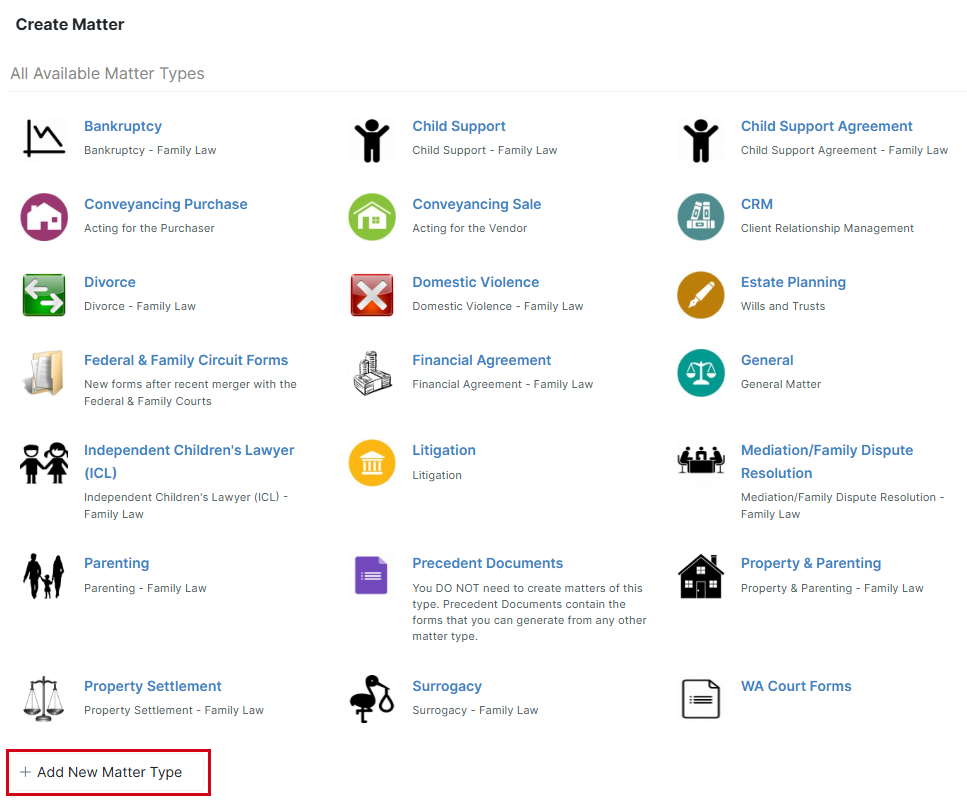
- While creating a matter, click Add New Matter Type (located at the bottom of the Create Matter window) and complete the information that is requested.
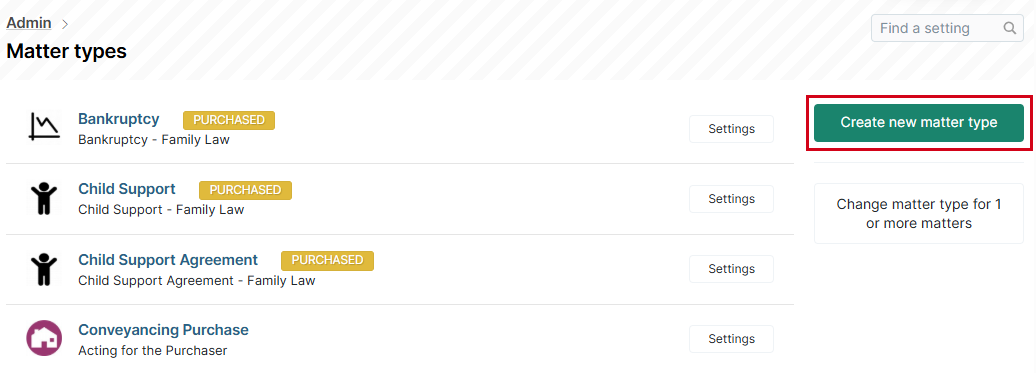
- An admin can go to Admin > Matter Types and click Create new matter type. Then complete the information that's requested.
Once you've created a matter type, you can modify its settings. See Creating and Editing a Matter Type (Admin) for help.
Was this article helpful?
That’s Great!
Thank you for your feedback
Sorry! We couldn't be helpful
Thank you for your feedback
Feedback sent
We appreciate your effort and will try to fix the article